CM-Cabinets Library User Guide
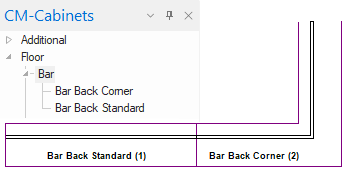
The Bar Back panel is available in Standard and a Corner unit with similar options except that the corner unit has Main and Extn options.
 Watch the Video : A Minute with Mike which briefly looks at the available options.
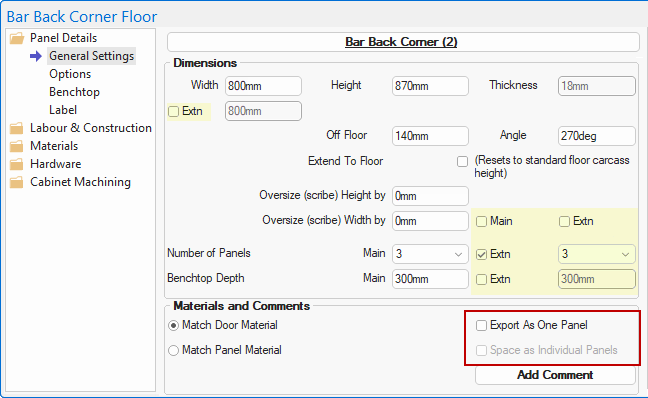
Bar Back Corner : Main and Extn options
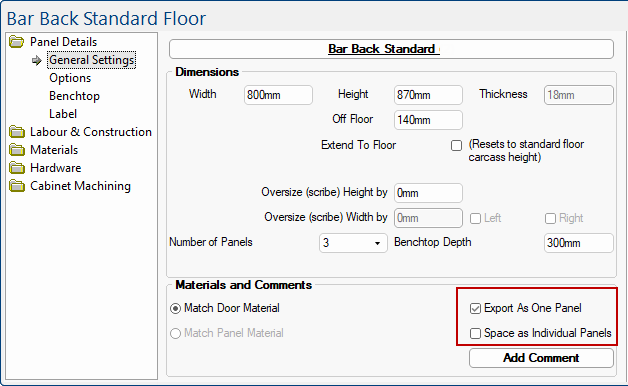
The highlighted options below are the extra options for Main and Extn - compare with the Standard unit shown below.
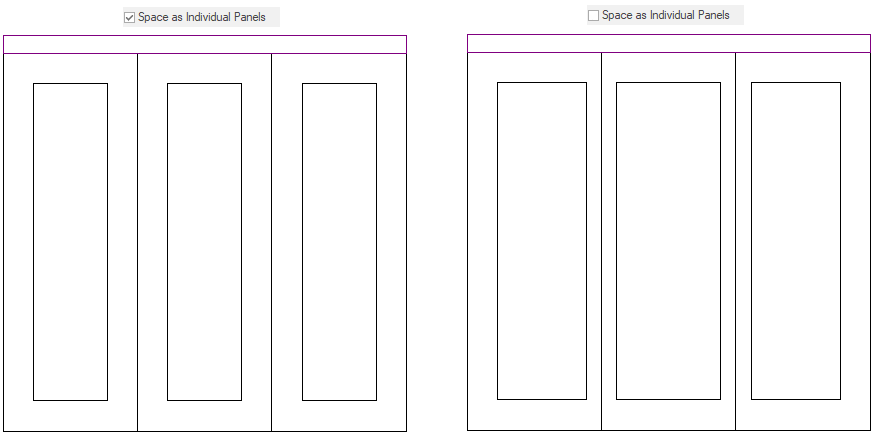
At Cabinet level, when using the Export As One Panel option in the Bar Back Panels, there are two different methods for spacing the panels when using a door profile.
The method is determined by the Space As Individual Panels checkbox.
When this option is enabled, the spacing between each profile will be treated the same way as if they were all separate panels.
When this option is disabled, the spacing between each profile will be treated as if they are all a single profile, with only 1 frame width between each profile.
Minute with Mike : This video looks at the available options for bar-back panels. [1:21 mins]