CM-Cabinets Library User Guide
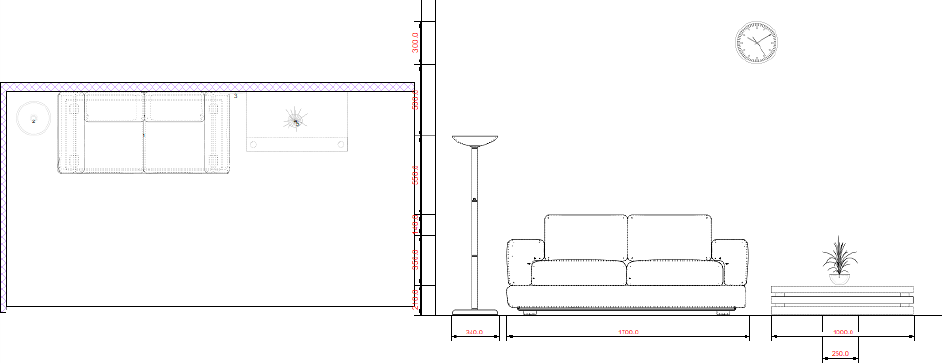
CabMaster Software provides supplementary libraries along with the main library, CM-Cabinets. These supplementary libraries provide access to specific cabinet styles e.g. Robes/Closets and others that provide 3D Models that can be included in Plan and Elevation views, showing exactly what the model is and 3D models with optional machining.
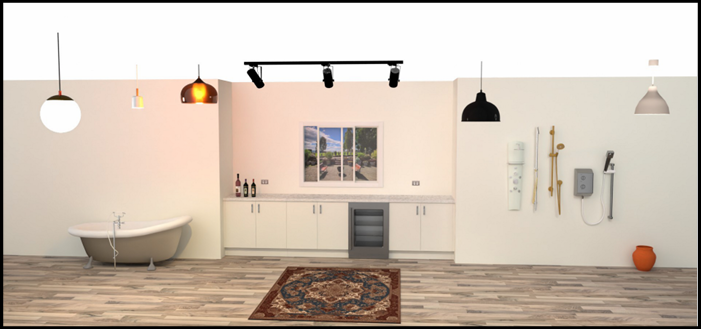
The CM-Design-2 library have over 100 3D Models. It is maintained with the objective to improve existing 3D Models and the addition of new ones.
These include shower heads, lights and windows that can open horizontally or vertically - see video below.
 Watch the Video A Minute with Mike which looks at how to enhance your designs with the customisable window.
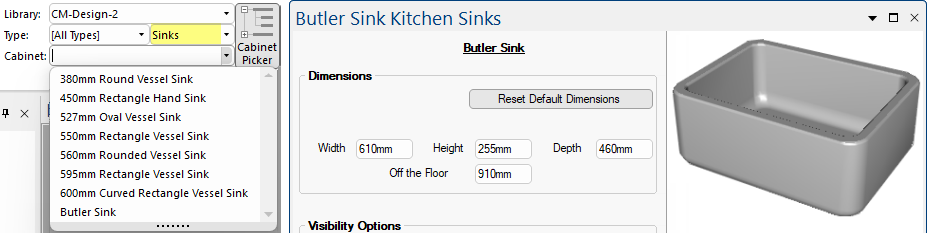
An array of sinks which includes a Butler Sink.
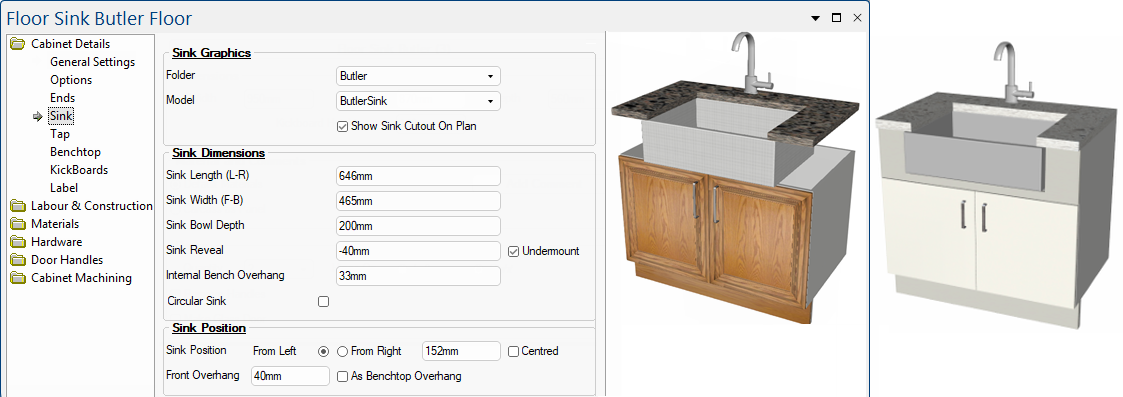
A floor sink bulter cabinet is included in the CM-Cabinets library.
Examples of floor cabinet with butler sinks included
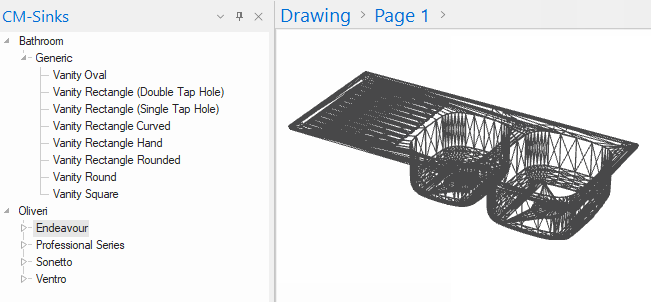
CM-Sinks
The CM-Sinks library also has number of 3D sink models.
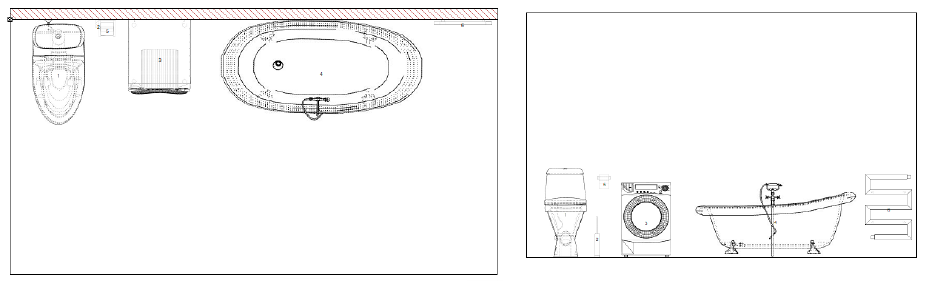
More models based around bathrooms such as toilets and appliances.
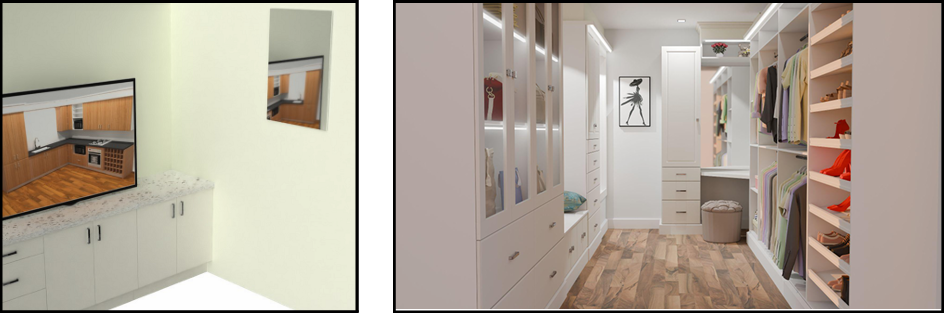
There are also mirrors with different reflection style options and closet items such as clothes and bags.
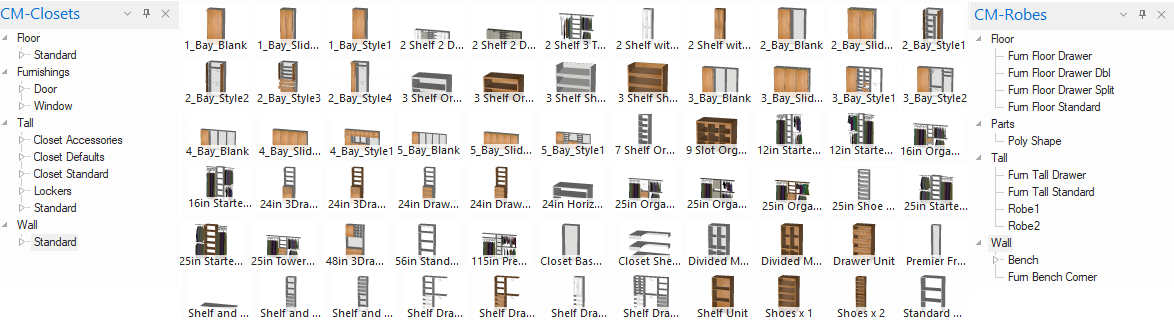
The CM-Closets library contains a range of modular closets and parts that can all be modified for closet design and manufacturing. These work very well with Advanced Objects which provides the ability to add/maintain a 3D model with optional machining.
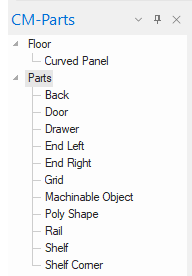
The CM-Parts library that can all be modified and work well with Advanced Objects which provides the ability to add/maintain a 3D model with optional machining. An example would be a hanging rail that can be machined into the carcass at both ends of the 3D model. Items can be compounded to create a single item from 2 or more distinct parts or sub-items.
In this video, you will be guided through the customisable settings for the Window found in the CM-Design-2 library, where an extensive range of models can be found. [1:52 mins]